Online tracking is a stealthy process where websites, apps, and ad networks monitor your activities. They track what you click, read, and purchase. This data is often compiled into a detailed profile, following you across different websites and visits. For many, this tracking occurs without their knowledge, making digital privacy seem elusive.
This guide is designed for everyday users seeking simple, effective anti-tracking strategies. You’ll discover which settings truly minimize tracking and understand the limitations of “anonymous browsing.” The aim is to make progress, not achieve perfection, especially given the varying internet privacy laws.
We’ll concentrate on straightforward actions to enhance your online privacy. You’ll learn how to reduce cross-site tracking, limit data collection, and safeguard your accounts from unauthorized access. Additionally, we’ll discuss how to minimize exposure on public Wi-Fi and boost IP address privacy when away from home. Each step is designed to be quick, not time-consuming.
The approach begins with basic browser settings and device permissions, then moves to account security habits. Next, we’ll explore network tools, including a free VPN, as an additional layer of protection. To keep it accessible, the article concludes with a review of VPNLY, allowing you to assess if it suits your needs.
Why Online Tracking Happens and What It Collects
Online tracking is integral to the modern advertising world. Brands seek targeted ads for better results, while publishers aim for revenue without costs. To achieve this, companies track what you view, click, and what leads to sales.
This data supports various functions like attribution, performance reporting, and fraud prevention. Many free apps and news sites use these signals to sell ad space and prove campaign effectiveness.
Common Trackers: Cookies, Pixels, Fingerprinting, and Device IDs
Tracking cookies can be first-party or third-party. Some expire after a session, while others persist for months. They help recognize browsers across different sites.
Tracking pixels, or web beacons, are embedded in pages and emails. They log opens, page views, and time spent on content. They confirm message visibility without a click.
Browser fingerprinting collects details like screen size and time zone. It doesn’t rely on stored files, making it harder to block than cookies alone.
On phones, device ID tracking uses Advertising ID on Android and IDFA on iOS. Apps and ad SDKs connect activity across sessions. This link persists even when networks change.
Who Tracks You: Advertisers, Data Brokers, ISPs, and Apps
Advertisers, ad networks, and analytics tools collect data through third-party scripts. In mobile apps, SDKs embedded in apps send telemetry to partners. This coordination enables real-time ad delivery and measurement.
Data brokers merge and resell audience segments from various sources. They attach demographics and interest labels to identifiers used in ad systems. These segments shape offers and determine ad visibility.
ISP tracking also plays a role. Internet providers and mobile carriers can see destination domains and DNS requests. Without stronger protections, more details may be visible on unencrypted connections.
Real-World Risks: Profiling, Price Discrimination, and Identity Exposure
The primary risk is profiling beyond shopping habits. A history of clicks and searches can reveal health concerns, financial stress, or political leanings. These inferences can be reused without consent.
Price discrimination is another concern. Sites test personalized pricing or adjust discounts based on location and past behavior. Even small changes can significantly impact pricing for the same user.
Identity exposure poses a quiet threat. Leaked identifiers, reused device IDs, and shared location signals facilitate stalking and account takeover. Reducing tracking involves limiting identifiers, cutting unnecessary permissions, and reducing device data exhaust.
Quick Browser and Device Privacy Settings That Reduce Tracking
Making a few tweaks can significantly reduce data collection. Start with your primary browser and then enhance your phone’s settings. These adjustments won’t disrupt your online experience but will limit how often your activities are linked across different sites.
Block Third-Party Cookies and Limit Cross-Site Tracking
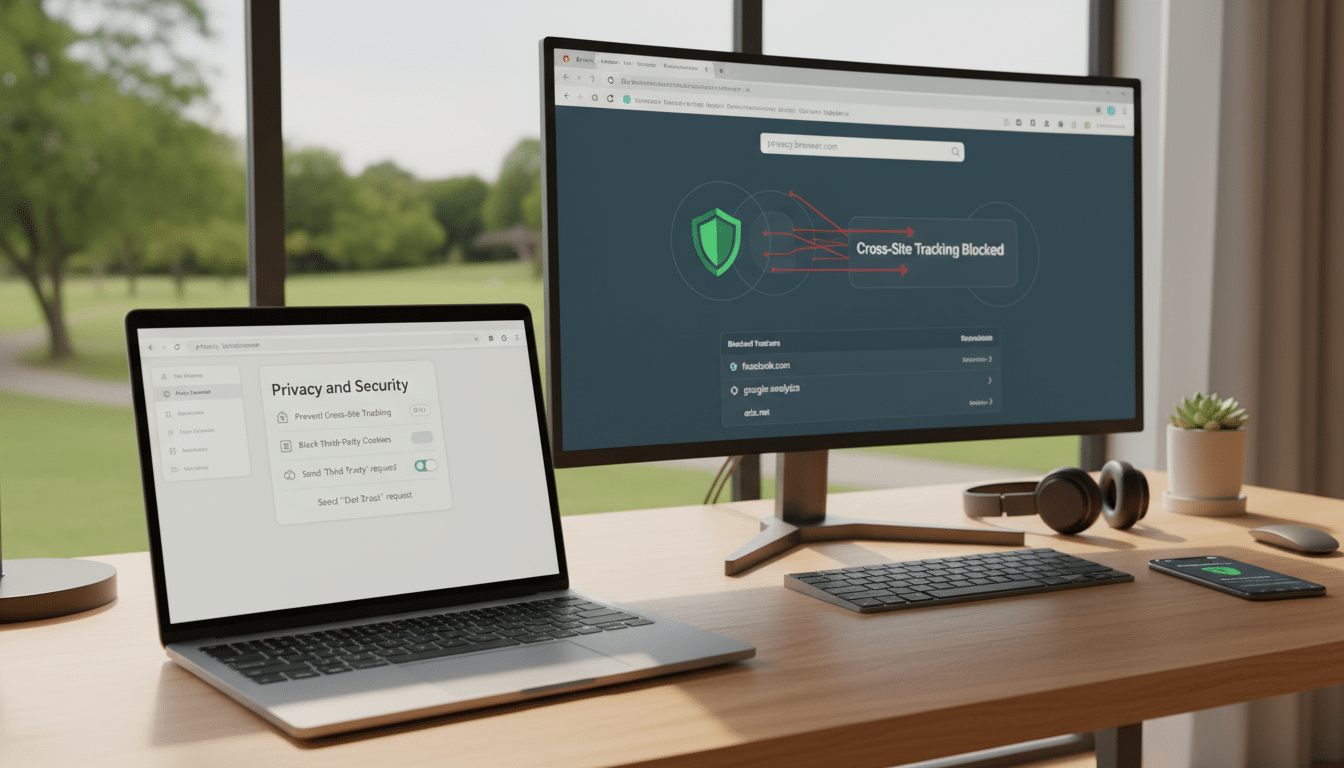
In browsers like Chrome, Safari, Firefox, and Edge, enable features to block third-party cookies. This action weakens the ad profiles that track you across sites. Some sites might log you out or forget your preferences, but most will function as usual after refreshing.
Also, activate cross-site tracking prevention in your browser. Clear site data with purpose: remove cookies and cache for sites heavy on ads, while keeping trusted login information. For less tracking, use separate browser profiles for shopping, work, and personal activities.
Use Privacy-Focused Browsers and Search Settings
Enable stricter tracking protection and review your extensions. Additional add-ons can increase fingerprinting, creating more identifiers. For a cleaner footprint, consider a privacy-focused browser with fewer plugins.
Pair this with a private search engine to reduce personalization in search results. Disable search history syncing if you don’t need it across all devices. Use HTTPS-only mode and secure DNS to limit passive observation on shared networks.
Lock Down Mobile Permissions: Location, Bluetooth, and Ad IDs
On both iPhone and Android, regularly review app permissions. Set location to “While Using” for most apps, and disable background location unless it’s crucial. Turn off precise location for services that don’t require it.
Limit Bluetooth scanning when not pairing devices. Reset your mobile ad identifier and limit ad tracking in system privacy settings. Also, check each app for toggles like analytics, personalization, or “share data,” and disable what you don’t need.
Harden Your Accounts: Password Managers, MFA, and Fewer Social Logins
Enhancing account security reduces tracking risks after a breach. Use a reputable password manager to create unique, long passwords and avoid reuse. It also helps spot fake login pages.
Enable multi-factor authentication wherever possible, using authenticator apps or passkeys when supported. Avoid SMS-only codes if better options are available. Reduce cross-service links by limiting “Sign in with Google” or “Sign in with Facebook,” and use email aliases for marketing sign-ups when supported.
Even with strong settings, your IP address can still be visible to websites and networks. In such cases, a free VPN can offer protection, especially on public Wi-Fi or during travel.
Using a free VPN to Mask Your IP and Improve Everyday Privacy
A free VPN offers a basic privacy enhancement when you don’t want to reveal your network details. It conceals your IP address by routing your data through a VPN server. This method also encrypts your internet traffic, which is crucial on shared networks.
What a VPN Does (and Doesn’t) Hide From Trackers
In simple terms, a VPN replaces your IP with the server’s, enhancing privacy on untrusted networks. This action limits what your internet provider can see, especially when sites use HTTPS.
However, a VPN doesn’t remove cookies, stop fingerprinting, or block tracking tied to logins. If you’re signed into Google, Meta, or Amazon, your activity across sessions remains linked. Even with a VPN, unique patterns like device settings and browsing habits can still be identified.
When a VPN Helps Most: Public Wi-Fi, Travel, and ISP Visibility
The biggest advantage is public Wi-Fi security at airports, hotels, cafés, and stadiums. A VPN protects against local snooping and some hotspot tricks by encrypting data in transit.
Travel is another scenario where a VPN shines, as you frequently switch between Wi-Fi networks and mobile data. It keeps your connection habits consistent across networks, reducing casual tracking tied to IP address changes.
Free vs Paid VPN Tradeoffs: Speed, Limits, Logging, and Ads
Free plans often have fewer servers, leading to slower speeds during peak times. Data caps and throttling can disrupt video calls, streaming, or large downloads.
Privacy policies are crucial on free tiers. Some services fund operations with ads, and others may keep broader connection logs. Always read the policy carefully before relying on it for privacy.
Safe Setup Checklist: Kill Switch, DNS Leak Protection, and Auto-Connect
Before daily use, enable a kill switch to prevent traffic leaks if the connection drops. Turn on DNS leak protection to keep DNS requests within the tunnel. Then, run a leak test to verify your settings. Use auto-connect on untrusted networks, especially public hotspots. Keep the app updated, install from official stores, and avoid unofficial downloads.