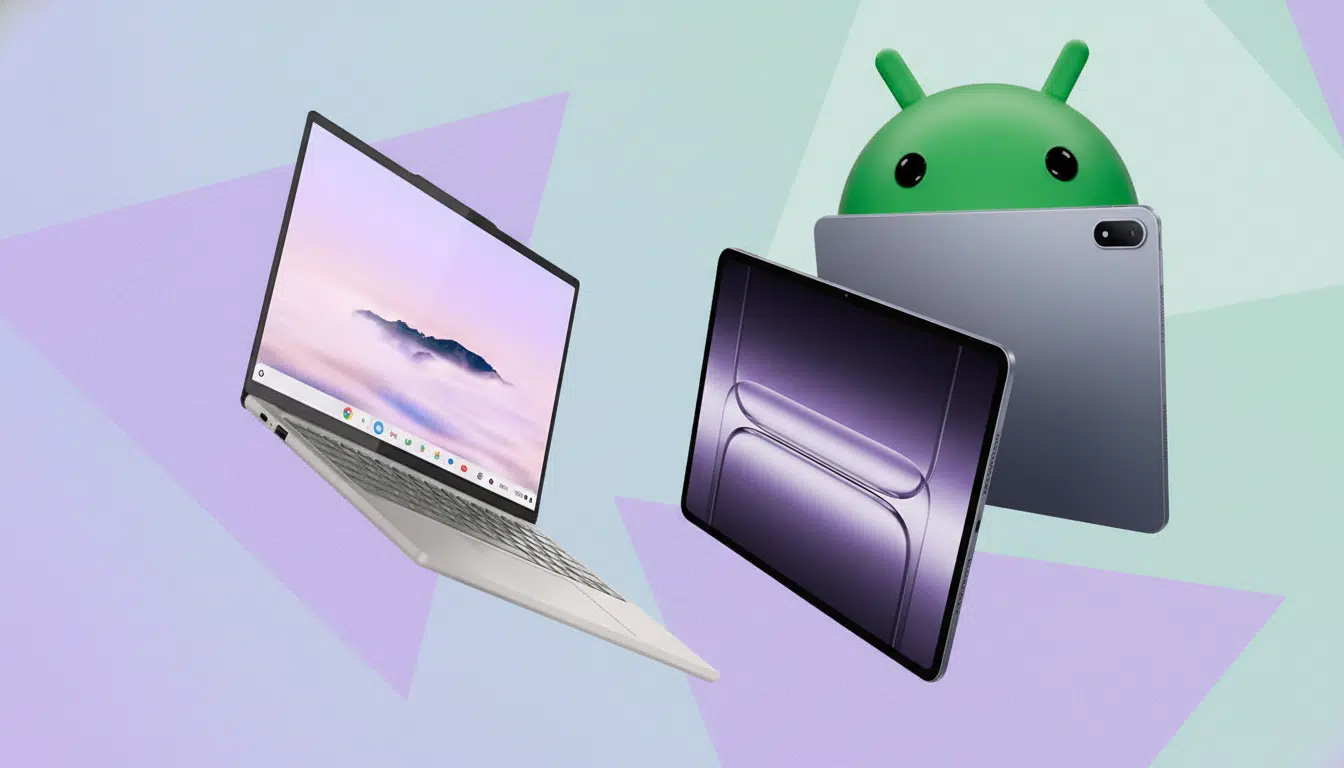
Google’s Android-based desktop push, widely referred to by the codename Aluminium OS, is intriguing on paper. A shared codebase across phones, tablets, and PCs promises simplicity and scale. But early glimpses point to five concrete risks that could leave productivity users unimpressed and IT teams wary.
Interface Overhead and the Desktop Learning Curve
The UI leans heavily on Android’s mobile paradigms: a bottom taskbar with pinned and recent apps, plus a persistent top bar hosting status icons and system menus. On a desktop, this dual-bar approach consumes vertical space and adds friction for anyone migrating from Windows or Chrome OS, where system controls live alongside app icons on a single shelf.
Beyond wasted pixels, the question is cadence and control. Will users be able to auto-hide bars, tweak density, or rely on robust keyboard navigation and windowing shortcuts? Desktop muscle memory is hard-earned. If the environment feels like a scaled-up phone instead of a desktop-first shell, switching costs rise and satisfaction falls.
A Mobile Chrome in a Desktop World Falls Short
In demos, the browser looks and behaves like Chrome Mobile, not the desktop-class Chrome that power users expect. That gap is significant. Globally, Chrome commands roughly two-thirds of desktop browser share according to StatCounter, and a big part of that dominance rests on extensions, multi-profile support, deep DevTools, and flexible search engine customization.
Mobile Chrome still lacks official extension support at scale, has limited developer tooling, and doesn’t natively handle multiple user profiles or custom search engines the way desktop Chrome does. Even file handling is sandboxed to Downloads first. If Aluminium OS ships with a “mobile Chrome” wrapper, web workers, developers, and admins will hit walls on day one.
Lost Chrome OS Productivity Staples Could Hurt
Chrome OS amassed a quiet arsenal of workflow enhancers: class-leading screen capture (region, window, mic/system audio mix, quick annotations), Phone Hub for recent photos and tabs, built-in PDF signing, and education-friendly tools like Cursive and Canvas. It also treated the web like a first-class citizen with strong PWA support and integrated Google Drive mounting alongside SMB shares.
If Aluminium OS drops those or reintroduces them piecemeal, users will be nudged to third-party apps, many paid, to regain parity. Developers will especially feel the loss of Linux containers (Crostini) if that doesn’t make the jump; a huge chunk of Chrome OS’s credibility with coders and STEM programs came from running Linux IDEs and toolchains locally without fuss.
App and Input Readiness for Big Screens at Work
Google has pushed large-screen guidance for years, and there are hundreds of millions of active large-screen Android devices by the company’s own counts. Yet many Android apps still behave like stretched phone UIs, with clumsy mouse support, awkward window resizing, and incomplete keyboard shortcuts. That’s tolerable on a couch tablet; it’s unacceptable on a primary computer.
Desktop users expect consistent right-click behavior, precise cursor targets, draggable borders, multi-window snap layouts, and full keyboard maps for common actions. Without a higher compliance bar or incentives for developers, the experience risks feeling like DeX and other desktop modes of the past: impressive in a demo, frustrating in a workday.
Updates, Security, and Admin Uncertainty Remain
Chrome OS set a high standard for maintenance: seamless A/B updates, Verified Boot, and long-term support now extending up to 10 years on many devices, as announced by Google. It also plays nicely with centralized management in schools and enterprises, where Chromebooks became ubiquitous because IT could lock down, audit, and recover them quickly.
Android’s fragmented update reality is different. If Aluminium OS inherits phone-style update cadences, OEM skins, and varied silicon support windows, admins will see patch gaps and policy inconsistency. That’s not a small risk; it’s the difference between an OS that can be standardized in classrooms and call centers, and one that generates ticket volume.
What Google Must Prove to Win Desktop Users
To win skeptics, Google needs to ship desktop-class Chrome with extensions and profiles, restore or surpass Chrome OS’s screen capture and PDF features, deliver robust file and network mounting, and set clear update horizons. It also needs to enforce large-screen best practices so apps behave like desktop citizens, not resized phone windows.
The ambition to unify platforms is admirable. But unless Aluminium OS meets workers where they are—web-first, keyboard-heavy, admin-ready—the novelty will fade fast. A desktop OS cannot merely look like Android; it has to work like a desktop.