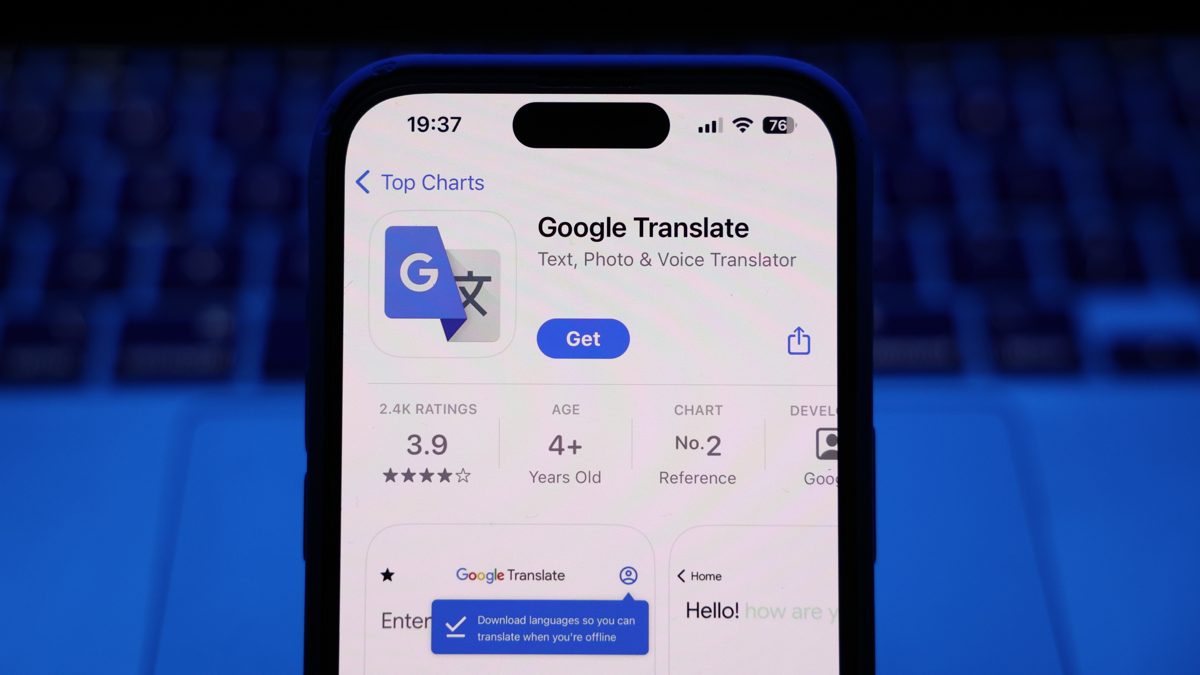
Google is rolling out a full set of new widgets for the Translate app on Android, adding quick-access tiles that cut the time from unlock to translation. The release includes five compact shortcuts and a dedicated conversation launcher, arriving broadly with app version 10.9.52.883465979.9-release. Early signs also point to an upcoming in-app menu for notification settings, hinting at a cleaner configuration experience in the near future.
The lineup centers on five 1×1 tiles designed for the tasks people hit most: jumping straight into voice translation, opening the camera for instant text capture, translating clipboard contents, and other common actions that previously took multiple taps. These are now true single-cell tiles, a correction from earlier test builds that consumed more home screen space than necessary.
Rounding out the set is a widget that opens a bilingual conversation session in one tap. For travelers, customer support reps, or anyone who regularly switches between two languages, this is the most meaningful addition. It removes the rummaging through menus to start a back-and-forth session, letting users pin their go-to language pair directly on the home screen.
In short, Google is leaning into speed. Each tile deep-links to a specific Translate mode, so you start where you intend, not at a generic landing view.
Why Tiny Tiles Matter on Android Home Screens
Widgets live and die on immediacy. On a platform where Android holds roughly 70% of global mobile OS share, according to StatCounter, shaving even a few seconds off routine actions scales to millions of daily time-savers. Translate already has over 1B installs on Google Play and supports over 200 languages, which means small usability gains ripple widely, especially for tasks that happen under pressure—reading a transit sign, replying to a foreign-language text, or clarifying a menu item before ordering.
Consider two common scenarios. You receive a message in another language and copy it—one tap on the clipboard widget takes you straight to a translation, avoiding mode switching. Or you’re faced with a paper form in an unfamiliar language—hit the camera tile to overlay translations on the text without navigating through the app. These are the micro-moments that widgets are built to win.
Design and Usability Notes for the New Android Widgets
The shift to true 1×1 tiles is a quiet but important fix. Early iterations took up more room than the function justified, which discouraged adoption. Now, Translate’s widgets fit neatly into the grid alongside app icons, making them easier to place without reworking your entire layout. On modern Android builds, they also appear to respect Material You theming, blending with system colors for a less jarring look.
Crucially, deep-link widgets trim friction without changing core behavior. You still get the same models, offline packs, and features, just faster access. For frequent users—think hospitality staff or international students—this can be the difference between using Translate occasionally and relying on it all day.
Notification Controls Moving In-App for Easier Settings
Alongside widgets, Google is preparing a new in-app home for Translate notification settings. Today, many of these controls live in Android’s system app info screen. Consolidating them inside Translate should improve discoverability and reduce the loop of bouncing between system menus when adjusting features like Tap to Translate prompts or persistent quick-access notifications.
This aligns with broader Android trends since Android 13 introduced more granular notification permissions and channels. Expect a familiar set of toggles, just organized where users actually look for them—inside the app itself. The work appears early and not yet user-facing, so it may land in a follow-up update.
How to Get and Use the New Translate Widgets on Android
Update the Translate app to the latest version. Then long-press your home screen, tap Widgets, and search for Translate. You’ll see multiple tiles: add the 1×1 shortcuts you use most and, if relevant, the conversation widget. Pinning your frequent language pair for the conversation tile is especially helpful when traveling or working with multilingual teams.
The Bigger Picture for Google Translate’s Android Widgets
Google has spent the last few Android cycles refreshing widgets across its portfolio—Keep, Drive, and Gmail among them—to reduce tap depth and surface intent-based actions. Translate’s new set continues that push. They may look humble, but the payoff is strategic: get users from intent to translation faster, whether they need a quick camera pass on a street sign or a two-way chat on the spot.
For a tool that crosses borders daily, these are the right kinds of upgrades—no fanfare, just less friction.