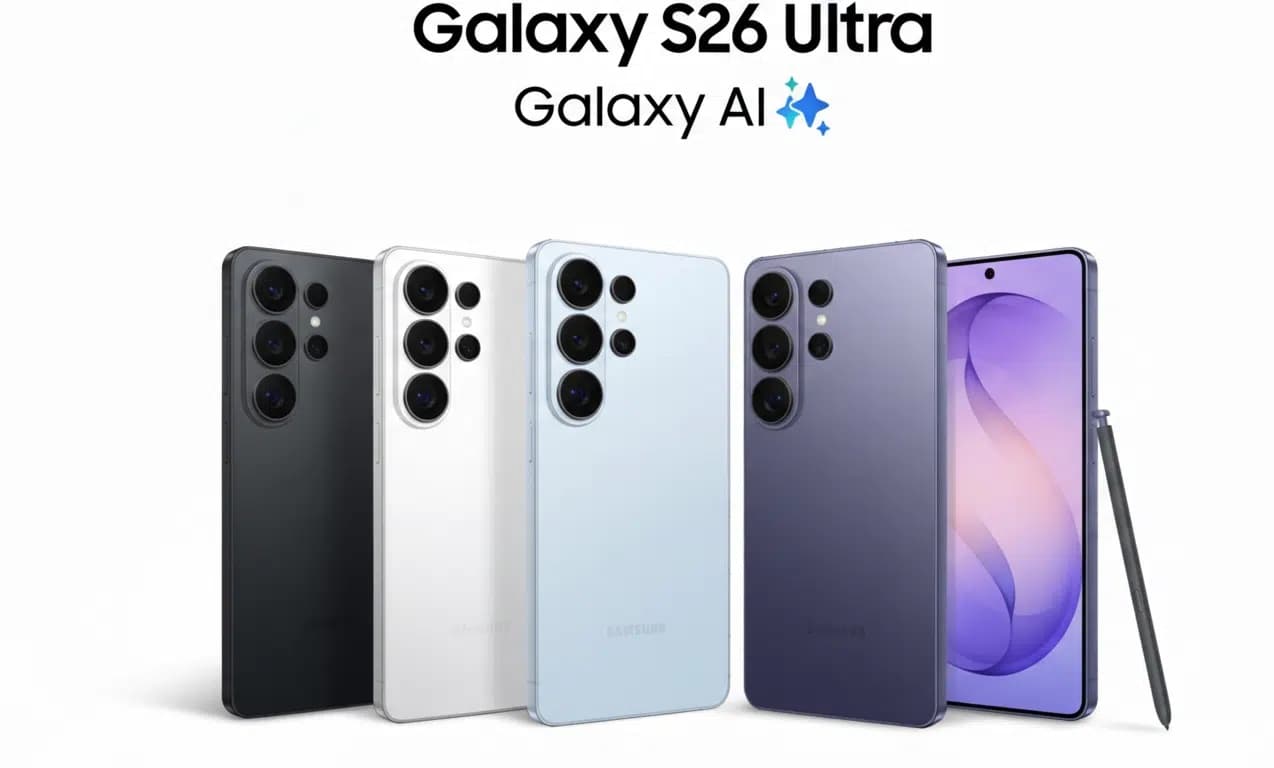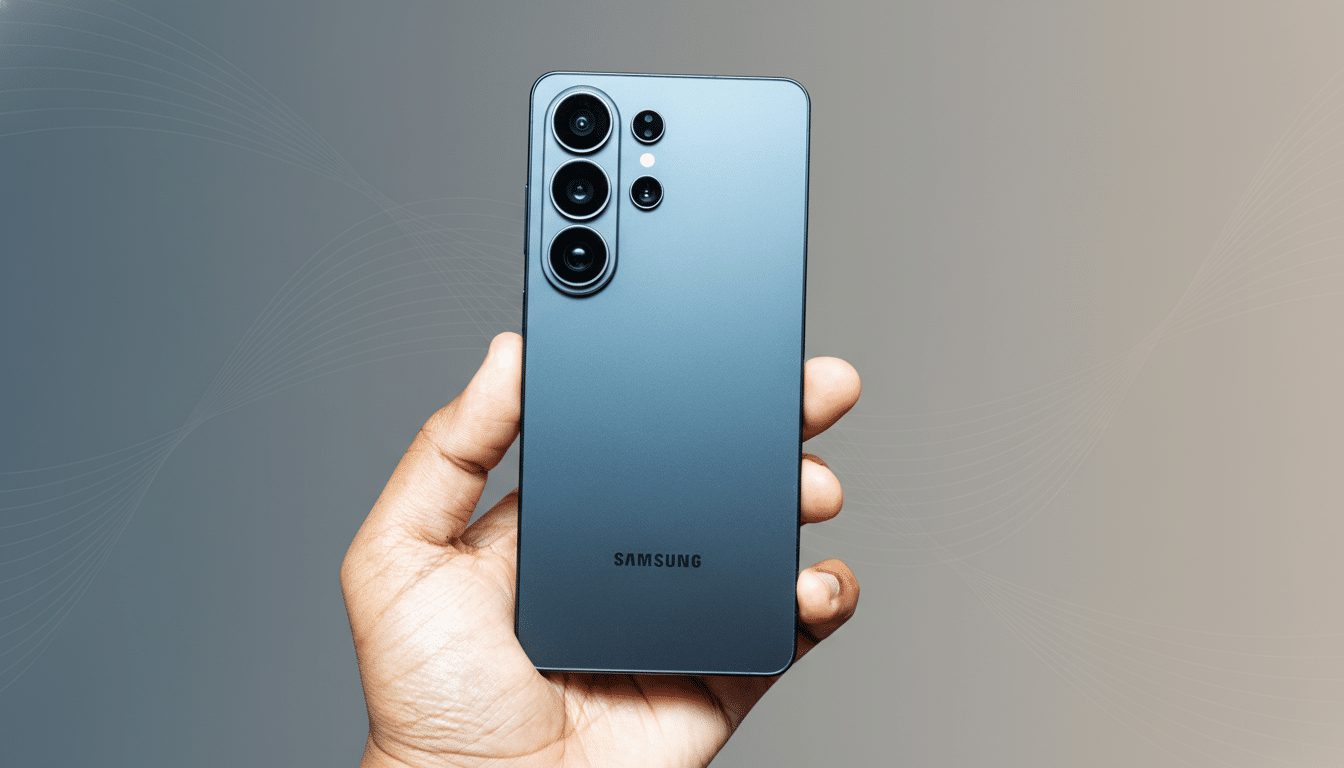
Samsung’s newest flagships quietly picked up a capability that could change your next video call. The Galaxy S26 series now supports a native USB webcam mode, letting the phone double as a plug-and-play camera for your computer without extra apps or drivers.
It taps into the system-level feature Google introduced with Android 14 QPR1, and Samsung has integrated it so that S26 owners can connect over USB and appear instantly as a standard webcam in conferencing and streaming apps.
When you connect a Galaxy S26 to a PC or Mac with a USB cable, the phone identifies itself as a UVC device—the same universal webcam class used by most peripherals. That means it shows up in Zoom, Google Meet, Microsoft Teams, OBS Studio, and browser-based tools with no add-ons.
There’s also an optional High Quality Mode for a sharper image and cleaner detail. Because it’s wired, latency is low and stability is excellent compared to Wi-Fi-based solutions. You can choose which camera to use and frame your shot with the S26’s imaging stack doing the heavy lifting.
This is a notable expansion of Android’s native approach. Prior to Android 14 QPR1, users relied on third-party apps like DroidCam, EpocCam, or Camo—which work well but require companion desktop software. Now the capability is baked in, aligning Android with the convenience Apple users enjoy with Continuity Camera, while keeping the reliability of a wired connection.
How to Use USB Webcam Mode on the Galaxy S26 Series
Use a USB-C cable to connect your Galaxy S26 to your computer. A system prompt or USB preferences menu on the phone will offer a Webcam option. Select it, then open your calling or streaming app on the computer and pick the Galaxy as the video source.
Toggle High Quality Mode on the phone if you want the best output. For a professional look, mount the S26 on a small tripod, use the rear camera, clean the lens, and enable Do Not Disturb to avoid on-screen distractions. Since the phone is tethered, it can draw power during long meetings, reducing battery anxiety.
Compatibility is broad: the UVC standard is supported across Windows, macOS, ChromeOS, and most Linux distributions, according to the USB Implementers Forum’s guidance on USB video class devices. If your app can see a normal webcam, it can see the S26.
Why Native USB Webcam Support on Galaxy S26 Matters
Laptop webcams remain an afterthought on many machines, often limited to 720p or basic 1080p sensors with small pixels and narrow dynamic range. By contrast, the S26’s primary camera benefits from larger sensors, sophisticated HDR, and advanced processing. The result is better skin tones, improved low-light performance, and more pleasing background separation—all without buying a standalone camera.
For remote and hybrid workers, simpler setup means fewer support headaches. Enterprises wary of third-party drivers may also prefer a standards-based approach. Research firms tracking peripheral sales have noted that external webcam demand cooled after the pandemic spike, while video-first collaboration persists. A built-in phone solution threads the needle between quality and convenience.
Creators and streamers benefit, too. A wired phone-as-webcam path is a low-cost way to improve angles for overhead shots, desk demos, or travel live streams, and it integrates cleanly with broadcast tools that accept UVC sources.
Samsung hasn’t confirmed whether it will backport native USB webcam support to earlier models. The company’s recent track record on long-term software updates suggests it’s possible, but feature parity is never guaranteed. Until then, previous Galaxy devices can continue using third-party solutions or Samsung’s existing camera-sharing features within the Galaxy ecosystem.