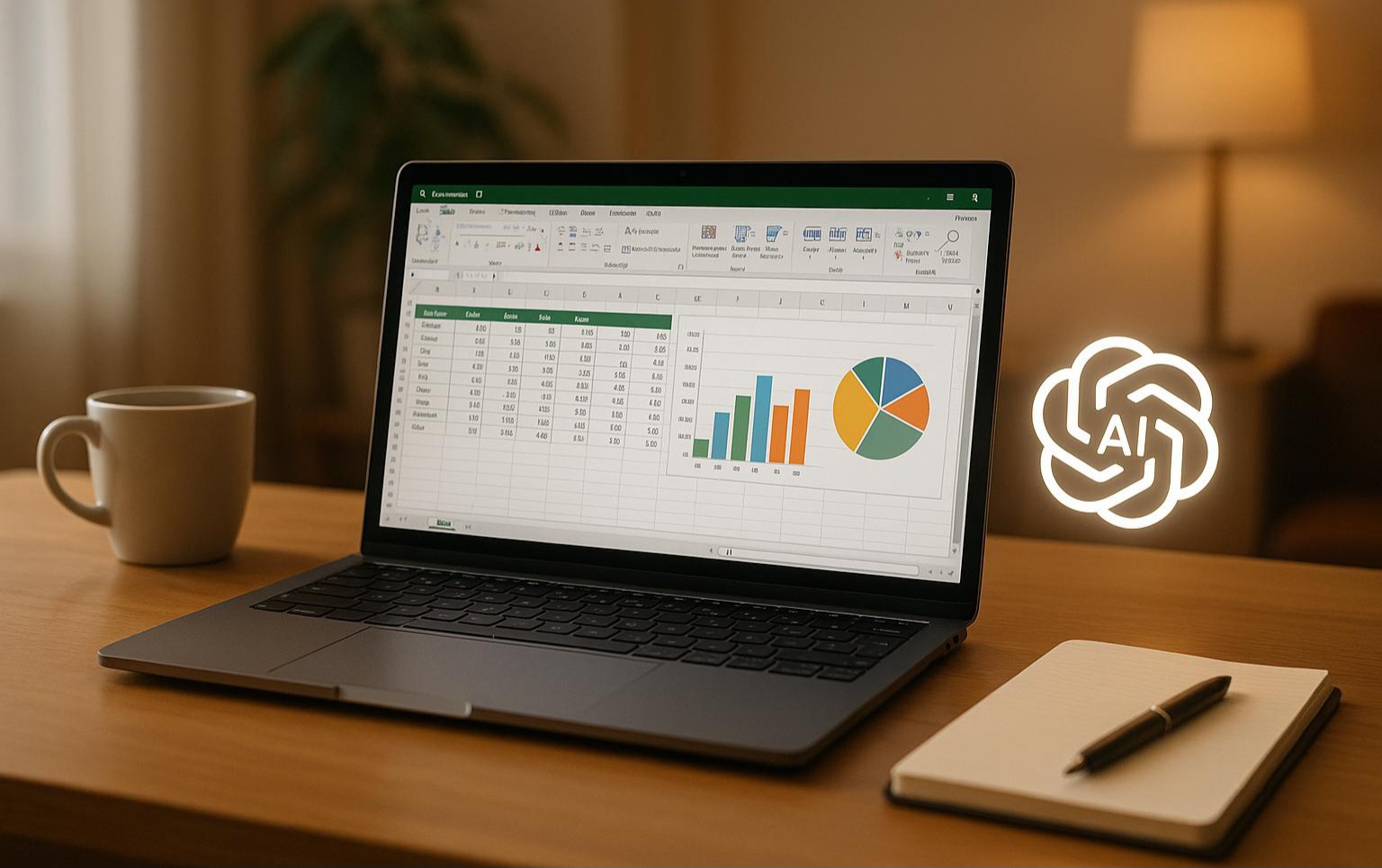
Over the past decade, spreadsheets have been the backbone of business data management. From financial modeling to marketing reports, tools like Excel and Google Sheets have powered decision-making for millions of companies worldwide. However, as datasets grow larger and more complex, traditional spreadsheet workflows are starting to show their limitations.
Writing complicated formulas, building dashboards, and manually cleaning datasets can consume hours of work — sometimes even entire workdays depending on the size of the data. This is where Excel AI and modern AI tools for data analysis are changing the game. By combining artificial intelligence with spreadsheets, businesses can analyze data faster, automate repetitive tasks, and generate insights without advanced technical skills.
As data becomes more central to business operations, many teams are now exploring modern solutions for Excel to simplify spreadsheet workflows and automate repetitive tasks. Whether you're a data analyst, a finance pro, or just someone trying to make sense of your spreadsheets, AI is here to make your life easier — and a lot smarter. Thanks to a new wave of AI-powered Excel tools, you can now clean data, build dashboards, and even predict trends without writing a single formula.
The concept of Excel AI refers to using artificial intelligence to automate spreadsheet tasks. Instead of manually writing formulas or building pivot tables, users can simply describe what they want in natural language. From experience, this alone tends to cut time spent on routine analysis work significantly.
For example, an Excel AI assistant can help users: Generate formulas instantly, Clean and organize messy datasets, Create charts and reports automatically and Identify trends and anomalies in data.
These capabilities significantly reduce the time required for data analysis and make spreadsheets accessible to non-technical users. That said, results can vary depending on the platform and how well-structured your data is going in. As companies handle increasingly complex datasets, the demand for AI tools for Excel continues to grow.
AI Tools for Data Analysis Are Becoming Essential
Modern organizations rely heavily on data to guide decisions. Marketing teams track campaign performance, finance departments analyze budgets, and product teams monitor user behavior.
Traditional spreadsheet methods often require advanced knowledge of formulas, macros, or scripting. This creates a barrier for many professionals who need insights but lack technical expertise — and honestly, it’s a common mistake to assume that most team members are comfortable writing complex Excel formulas on their own.
New AI tools for data analysis remove this barrier by allowing users to interact with data using simple questions. Instead of writing formulas, users can ask questions such as: “What were our top selling products last quarter?”, “Show me revenue trends by region.”, “Which marketing channels generated the highest ROI?”.
The AI system then processes the dataset and generates the answer instantly. This shift is transforming how businesses approach analytics and enabling teams to make data-driven decisions much faster. In real-world use, many people notice this is where the biggest productivity gains tend to show up.
AI Data Visualization Tools Simplify Insights
Understanding data is not just about numbers. Visualizing information clearly is equally important. This is why AI data visualization tools have become a major trend in modern analytics platforms.
These tools automatically convert raw spreadsheet data into visual insights such as: interactive charts, dashboards, trend graphs and performance comparisons.
Instead of manually configuring charts in Excel, AI systems can recommend the most relevant visualizations based on the dataset. Depending on the tool, these recommendations are usually quite good at matching chart type to data shape. This dramatically improves how teams interpret and communicate insights across an organization.
AI Spreadsheet Generators Are Changing Workflows
Another emerging category is the AI spreadsheet generator. These tools allow users to create entire spreadsheets automatically using natural language prompts.
For instance, a user could simply type: "Create a monthly marketing performance spreadsheet.” The AI system would automatically generate:
structured tables
relevant columns
formulas
summary metrics
Similarly, an AI Excel generator can produce formulas, automate calculations, or build entire analysis frameworks in seconds. This automation is particularly valuable for startups and small teams that need to move quickly without hiring dedicated data analysts. In most cases, it removes the bottleneck of waiting for someone with technical skills to be available.
AI for Spreadsheets Is the Future of Productivity
The growing popularity of AI for spreadsheets reflects a broader trend: businesses want faster and simpler ways to work with data. Instead of spending hours managing formulas, professionals can focus on interpreting results and making strategic decisions.
AI-powered spreadsheet platforms now support capabilities such as: automated data cleaning, predictive analytics, natural language queries and real-time data visualization.
These features transform spreadsheets from basic data storage tools into intelligent analysis platforms — which, from a practical standpoint, is a meaningful shift for most teams.
As artificial intelligence continues to evolve, we can expect even more advanced capabilities in the future — though the pace of that evolution will likely vary across platforms and use cases.