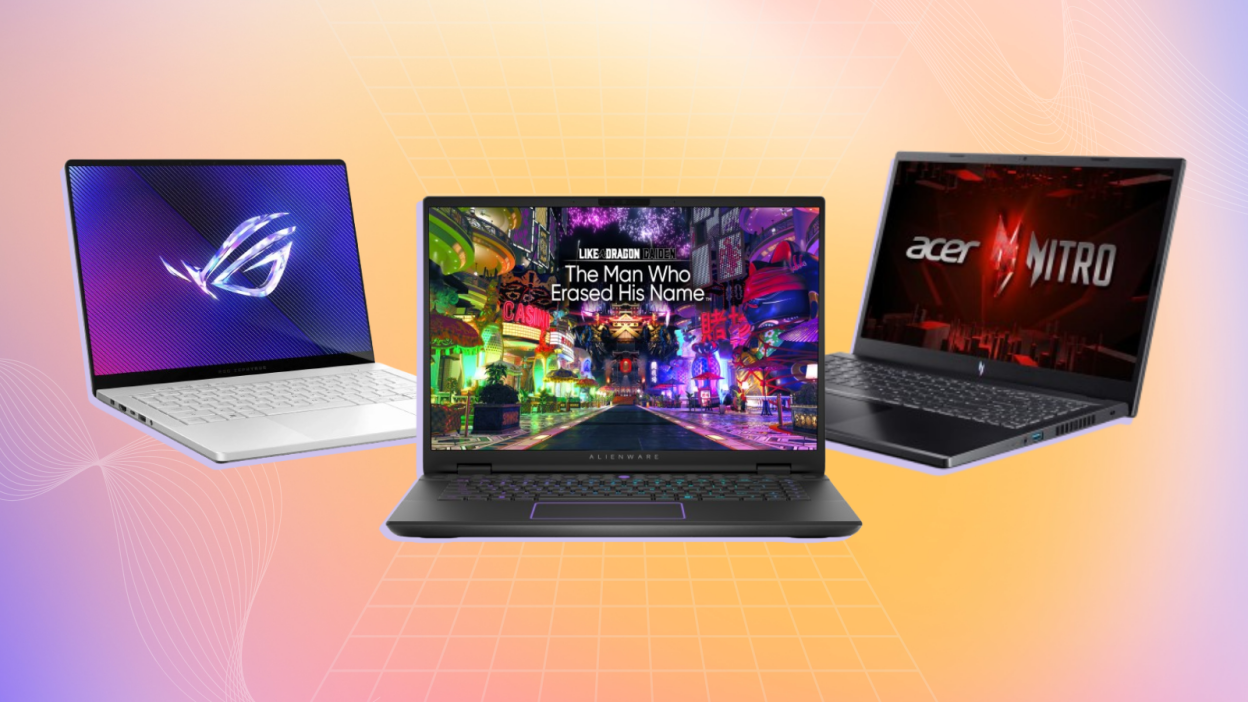
Buying a new gaming laptop can be overwhelming, as new models with the latest and greatest hardware are constantly being released. In 2026, gaming laptops are entering a new performance era. Now machines have been made faster, thinner and more efficient than ever before and bringing desktop-level power into portable machines. Whether you’re a serious gamer, a student, or just planning an upgrade for newer titles, picking the right laptop now matters a lot more than it used to.
Features to Look For in a Gaming, Designing, Coding Laptops
When choosing a laptop for gaming, designing, and coding, there are several key aspects to consider. Since each activity has its own demands, you want a machine that balances performance, display quality, and portability. Here’s a breakdown of what to look for:
1. Processor (CPU):
Gaming and designing require strong multi-core performance, so aim for a high-end CPU like an Intel Core i7 or i9, or an AMD Ryzen 7 or Ryzen 9.
For coding, a powerful CPU ensures faster compilation times and better multitasking, especially if you’re running virtual machines or heavy IDEs.
Recommendation: 8-core or 6-core CPUs for solid performance.
2. Graphics Card (GPU)
Gaming benefits from a dedicated GPU (e.g., NVIDIA GeForce RTX 3060, 3070, 3080 or higher). More GPU power translates to better frame rates and high-resolution gaming.
For graphic design and 3D modeling (using software like Adobe Creative Suite or Blender), you’ll also need a strong GPU.
Coding generally doesn’t require a high-end GPU unless you’re working with game development or machine learning models that leverage GPU acceleration.
Recommendation: Aim for at least an NVIDIA RTX 3060 or equivalent for gaming and design work.
3. RAM (Memory)
For gaming and designing, 16GB of DDR4/DDR5 RAM is the minimum you should go for. High-end games and design software like Photoshop or CAD programs can be memory intensive.
For coding, if you’re working with large projects or virtual machines, you’ll also benefit from 16GB or more.
Recommendation: 16GB for casual use; 32GB or more if working with large design files, heavy multitasking, or for future-proofing.
4. Storage
Gaming requires fast SSD storage for quick game load times. An NVMe SSD is even faster and worth the investment.
Designing will require lots of space for large files and fast read/write speeds. A combination of an SSD (for speed) and a secondary HDD (for extra space) could be ideal.
Coding can also benefit from SSD speed, especially when dealing with large projects or using database-driven applications.
Recommendation: 512GB SSD minimum, 1TB SSD or more for heavier users.
5. Display
Gaming benefits from a high refresh rate (e.g., 120Hz, 144Hz, or higher) for smooth gameplay.
For designing, focus on color accuracy. Look for an IPS display with a wide color gamut (e.g., 100% sRGB or AdobeRGB). A 4K display can be great for detailed design work.
6. Keyboard and Build Quality
For coding, a comfortable, well-spaced keyboard with good travel is important since you’ll be typing a lot.
For gaming, a backlit keyboard (preferably RGB) can be useful for gaming in low-light environments.
Designing also benefits from a solid, tactile keyboard for efficient use of shortcuts and commands.
Recommendation: Look for backlighting, ergonomics, and durability.
7. Battery Life
Gaming and designing tend to drain battery quickly, so don’t expect long hours of unplugged use. If portability is important, choose a laptop that balances power with battery efficiency.
For coding, a longer battery life may be beneficial if you work remotely or travel.
Recommendation: 6-8 hours of battery life for non-gaming tasks, but always expect lower runtime while gaming or designing.
8. Ports and Connectivity
Ensure there are enough USB ports (including USB-C), as you’ll likely need them for external devices, especially for designing (external storage, pen tablets) and gaming (controllers, headsets).
An HDMI port or DisplayPort is crucial if you want to connect external monitors, especially for design work.
Recommendation: Look for Thunderbolt 4 for fast data transfer and display support.
9. Cooling System
Gaming and designing generate a lot of heat, so having a good cooling system with multiple fans or efficient thermal design will prevent thermal throttling and keep your laptop running smoothly.
Recommendation: Pay attention to cooling solutions like vapor chambers or additional fans for gaming models.
10. Price Range
Gaming laptops and design laptops with high-end specs can be expensive (over $1,500 to $2,500 or more). Set a budget based on how intensive your tasks are.
For coding, you can get away with spending less if you’re not running heavy design or gaming software.
11. Portability
For coding or on-the-go designing, lighter laptops with good battery life might be a priority, whereas gaming laptops are generally bulkier due to the cooling systems.
Recommendation: 15-inch models offer a good balance between power and portability.
Top Gaming Laptops you can choose in 2026
Asus ROG Strix Scar 18 (2026)
The Asus ROG Strix Scar 18 is a powerful gaming machine that feels like a desktop replacement. It has a large 18-inch display that is fast and sharp. The design is gamer-friendly with RGB lighting and excellent build quality. It runs even the most demanding games like GTA 6, Red Dead Redemption 2, and Call of Duty Warzone smoothly. The cooling system is also one of the best. This laptop is ideal for gamers who want big screens, maximum power, and future-proof specs. It is a bit heavy, so not ideal for travel, but for home use, it is excellent.
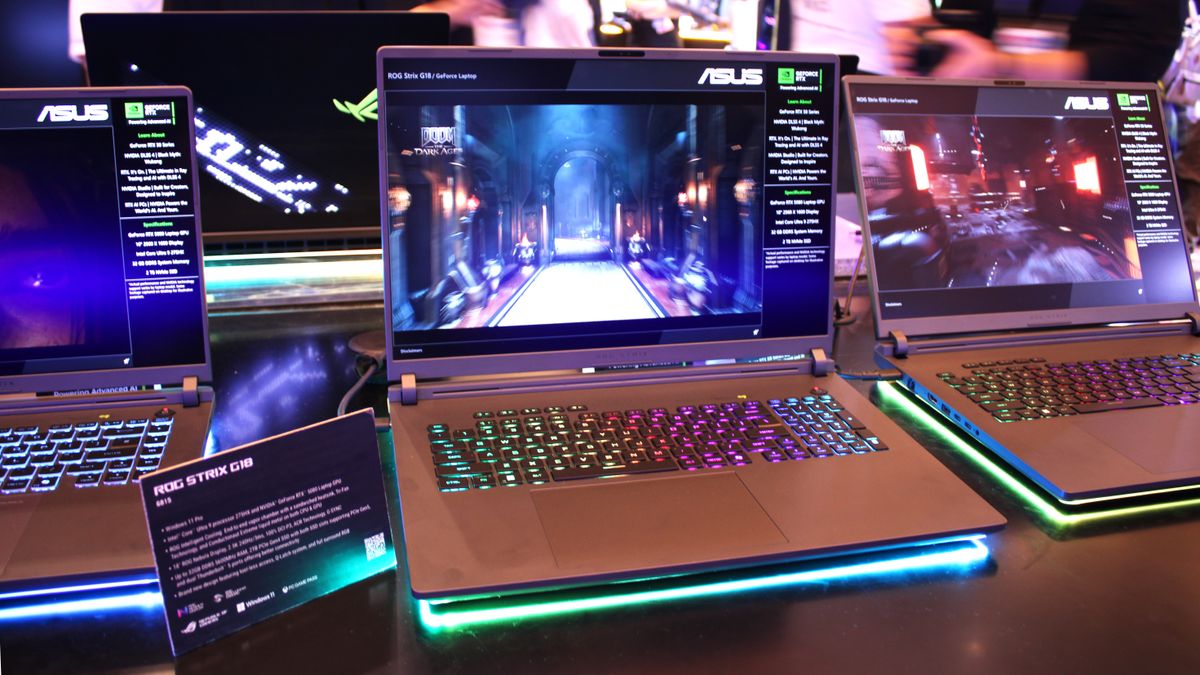
13th Gen Intel Core i9 processor
Nvidia RTX 4090 GPU with 16GB GDDR6
32GB DDR5 RAM
2TB PCIe Gen4 SSD
18-inch QHD+ 240Hz Display
Advanced cooling with vapor chamber
Per-key RGB keyboard with Aura Sync.
MSI Raider GE78 HX 14V
The MSI Raider GE78 HX is a beast for serious gaming. It comes with top-tier specs and a beautiful display. The 240Hz refresh rate makes every movement feel smooth. Playing FIFA 25 and Forza Horizon 6 on it is quite enjoyable. The laptop runs cool even under load. It has a sturdy design and many ports for accessories. This laptop is ideal for gamers who stream or play competitive titles. It also supports fast Wi-Fi 7 for online play.
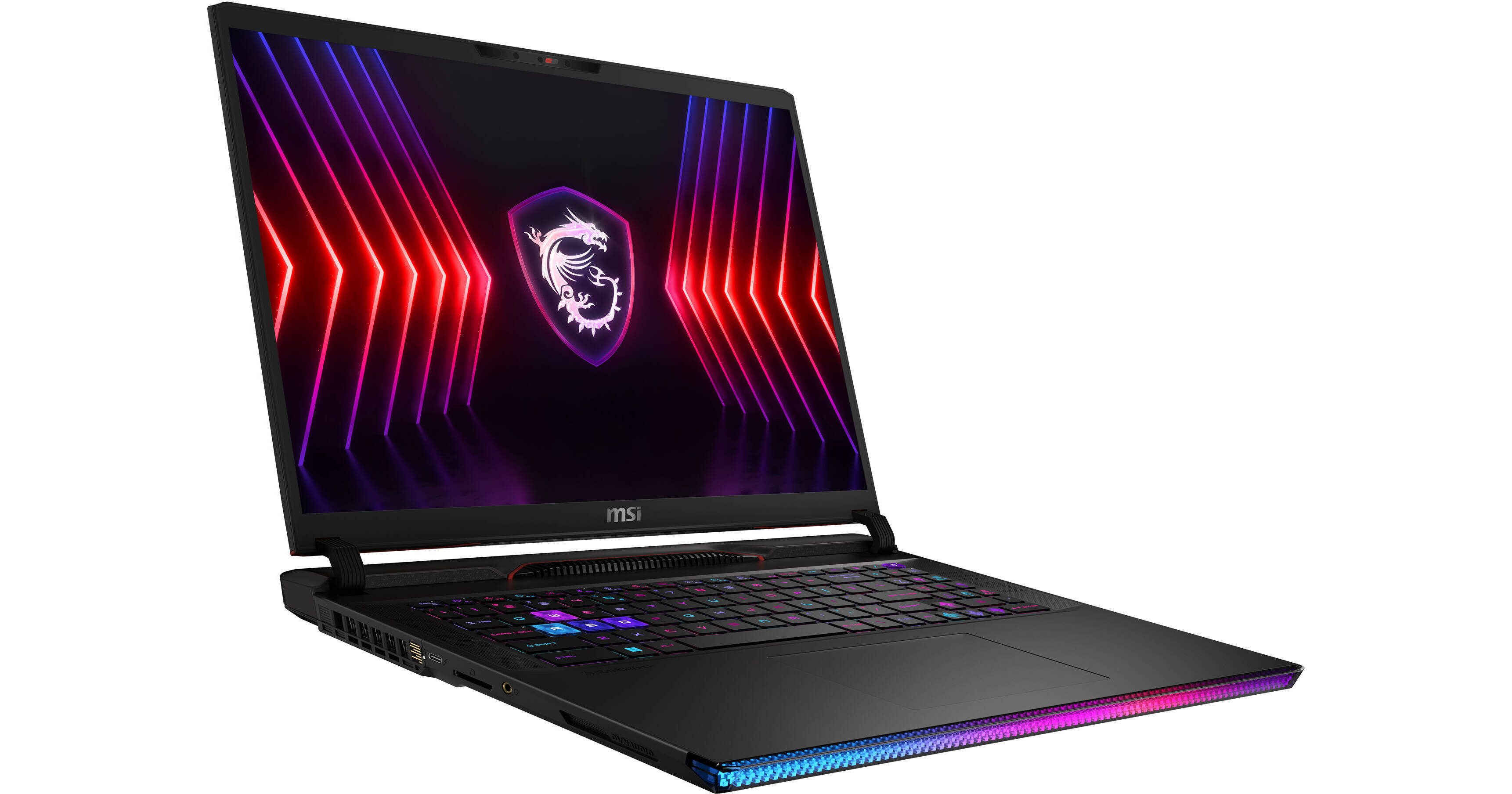
Intel Core i9-14900HX processor
Nvidia RTX 4090 GPU
64GB DDR5 RAM
2TB NVMe SSD
17-inch 2K 240Hz display
Cooler Boost 5 thermal system
SteelSeries RGB keyboard
Lenovo Legion 9i Gen 9
The Lenovo Legion 9i is the first gaming laptop with a built-in liquid cooling system. That means it stays quiet and cool even during long gaming sessions. It has strong specs and a bright display. I enjoyed how smooth Elden Ring and Cyberpunk 2077 ran on it. The keyboard feels soft and clicky. This is a great choice for gamers who play for long hours. It also works well for game developers and content creators.
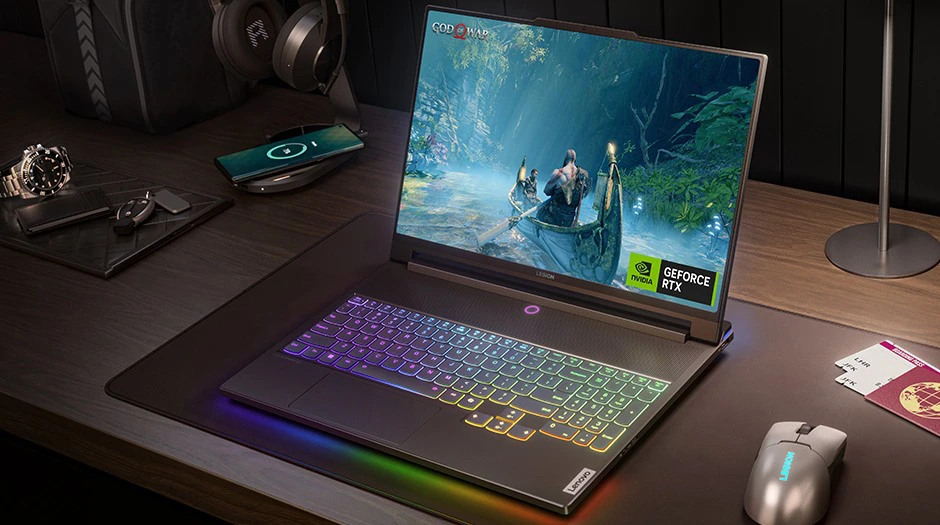
Intel Core i9-14980HX CPU
Nvidia GeForce RTX 4090 GPU
32GB DDR5 RAM
2TB Gen4 SSD
16-inch Mini LED display at 165Hz
Liquid metal cooling with fans
AI-powered performance mode.
Razer Blade 16 (2026)
The Razer Blade 16 is sleek and portable yet very powerful. It comes in a simple black design but packs serious power under the hood. It has a dual-mode display that switches between 4K and 1080p with high refresh rates. It performed well in Apex Legends, Valorant, and Fortnite. Battery life is better than most gaming laptops. This laptop is good for gamers who travel or move around a lot. It also fits well in a professional setting due to its clean look.
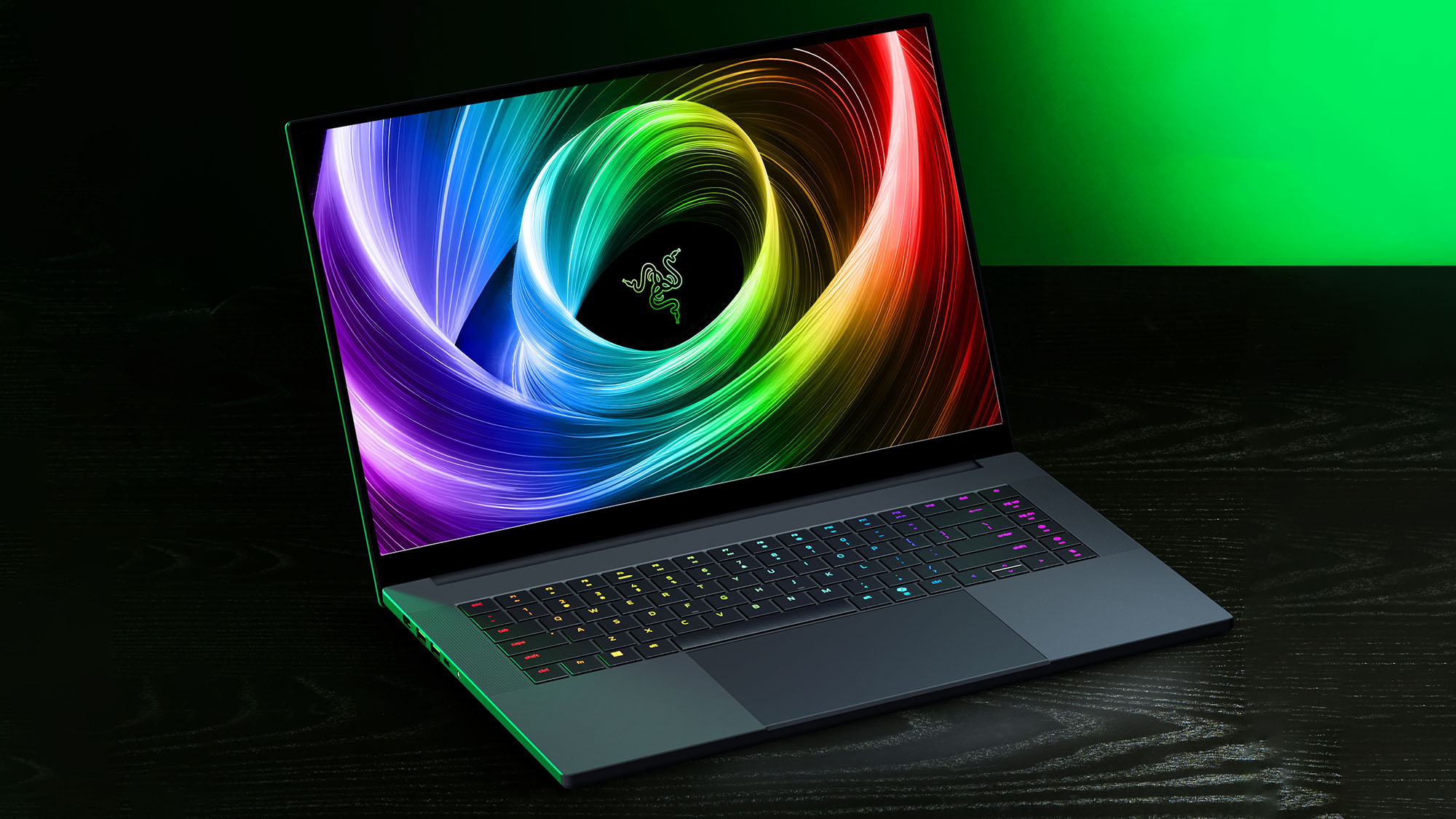
Intel Core i9-14900HX
Nvidia RTX 4080 GPU
32GB DDR5 RAM
2TB SSD
16-inch dual-mode UHD+ / FHD+ 240Hz screen
CNC aluminum chassis
THX spatial audio support
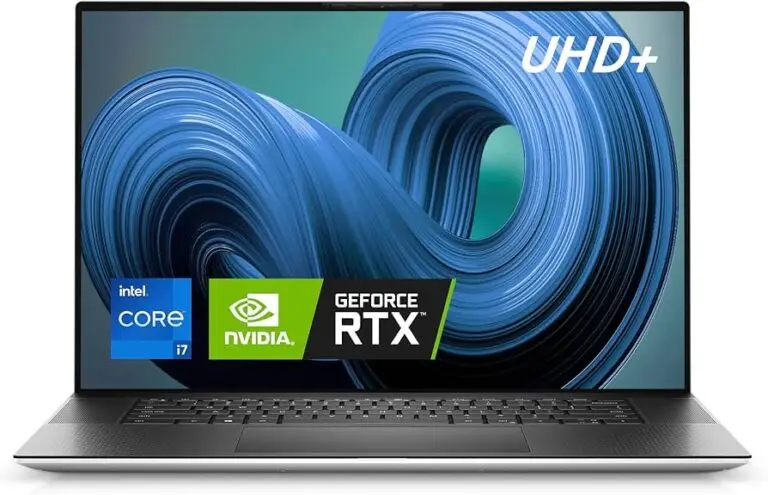
Dell XPS 15 and Dell XPS 17 – Gaming & Coding
The Dell XPS 15 and Dell XPS 17 are premium laptops known for their sleek design, high-quality displays, and strong performance, catering to professionals and creative users. While sharing a similar aesthetic and premium build, their key differences lie in size, raw power, and thermal management.
The Dell XPS 15 typically features 13th or 14th Gen Intel® Core™ i5, i7, or i9 H-series processors, offering robust performance for demanding applications. It often comes with discrete graphics options, commonly up to an NVIDIA® GeForce RTX™ 4070 Laptop GPU (though typically at a lower TGP, around 40-50W, compared to larger gaming laptops). Its display options include a 15.6-inch FHD+ (1920×1200) IPS panel or a vibrant 3.5K (3456×2160) OLED touch display, both with a 16:10 aspect ratio.
The Dell XPS 17, being larger, offers even more performance potential and a bigger screen. It also utilizes 13th or 14th Gen Intel® Core™ i7 or i9 H-series processors and can be configured with more powerful discrete graphics, reaching up to an NVIDIA® GeForce RTX™ 4080 Laptop GPU (with a slightly higher TGP, around 60-70W). Its display options include a 17-inch FHD+ (1920×1200) IPS panel or a UHD+ (3840×2400) IPS touch display, both 16:10 with the InfinityEdge design.
Both models offer premium features like a comfortable backlit keyboard, a large glass touchpad, quad-speaker audio systems, and often Wi-Fi 6E or 7.
Gigabyte AORUS 17H – Built for Hardcore Gaming
Gigabyte AORUS 17H is engineered for competitive gamers who need speed, power, and precision. It features a 360Hz FHD panel, Intel Core i9 HX processor, and an RTX 4080 GPU . The mechanical keyboard, high refresh rate, and robust cooling system make it a gaming weapon.
ASUS TUF Gaming A15 – Tough and Trusted
Durability meets performance with the ASUS TUF A15. Built with military-grade standards, this laptop houses an AMD Ryzen 9 processor and an RTX 4070. Its 15.6-inch display and strong battery life make it ideal for travel and long sessions. If you need a gaming laptop that can handle tough environments, this is the one.
HP Omen Transcend 16 – Stylish and Powerful
The HP Omen Transcend 16 is slim, stylish, and packed with performance. It’s powered by an Intel Core i9 and an RTX 4070, providing high-end gaming capabilities in a sleek form factor. The OLED display offers deep blacks and stunning contrast, perfect for both gaming and media consumption. With great thermals and a lightweight build, it’s ideal for both work and play.